|
Learn what Malaysian warehouses need before moving from periodic inventory updates to real-time decision-making.
 Warehouse Solutions Malaysia: Is Your Warehouse Ready for Real-Time Inventory Decisions?
📦How Quickly Can Your Warehouse Respond to Inventory Changes?
Imagine your warehouse management system shows that 100 units are available. Your sales team accepts a new order, but when warehouse staff begin picking, they discover that some of the stock has already been moved, picked for another order or stored in the wrong location.
The system shows available stock. The warehouse floor tells a different story.
This gap between recorded inventory and actual warehouse activity can create unnecessary delays, picking errors, replenishment problems and uncertainty when making operational decisions.
For many Malaysian businesses, inventory information is still updated through periodic stock checks, spreadsheets, manual data entry or transactions recorded only after work has been completed. These processes may be manageable when operations are small, but they become harder to control as stock volumes, product varieties and order frequency increase.
Real-time inventory decision-making helps businesses respond to inventory changes using information captured during warehouse activities rather than relying solely on the last stock update.
However, moving towards real-time inventory visibility requires more than purchasing barcode scanners or introducing new software. Businesses need reliable data capture, clearly defined workflows, suitable warehouse technology and systems that can process and share inventory information.
So, what should your warehouse prepare before making the move?
Let's explore the essential requirements and how Zebra technologies can support a more connected warehouse operation.
📊 1. What Is Real-Time Inventory Decision-Making?
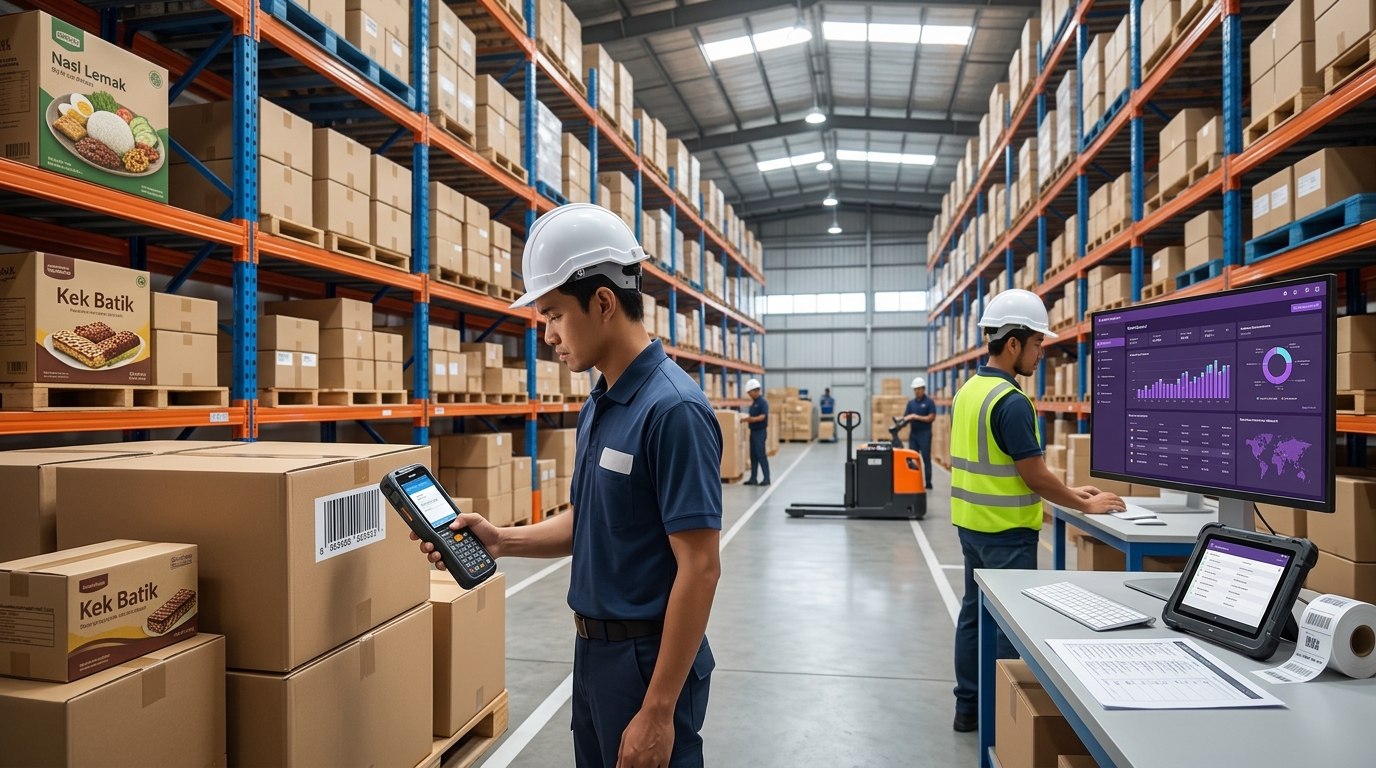
Real-time inventory decision-making means using timely, accurate inventory information to guide warehouse activities and business decisions.
Instead of waiting for the next scheduled stock update, warehouse teams capture inventory transactions as part of their daily work. The relevant inventory system can then process these transactions and make updated information available to authorised users.
For example, consider a warehouse receiving a delivery of 200 units.
With a periodic update process:
- The warehouse receives the delivery.
- Staff record the quantities on paper or in a spreadsheet.
- The stock is placed into storage.
- Someone updates the inventory system later.
- Other departments continue working with the previous inventory information until the update is completed.
With a connected inventory workflow:
- The warehouse receives the delivery.
- Staff scan the relevant product or location barcode using a suitable device.
- The receiving transaction is submitted to the inventory system.
- The system processes the transaction according to its business rules.
- Updated inventory information becomes available for subsequent warehouse activities.
The difference is not simply how quickly an employee scans a product. It is how effectively the entire process connects physical inventory movement with digital inventory records.
Real-time does not necessarily mean that every system updates instantaneously. Actual update speed depends on the device, network, software, integration, transaction rules and system configuration.
The goal is to minimise the gap between what happens in the warehouse and what the inventory system records.
⏱️ 2. Why Periodic Inventory Updates Can Slow Down Decisions

Periodic inventory updates are not automatically wrong. Scheduled stock counts and reconciliation remain important for many businesses.
The challenge arises when operational decisions depend on information that is already outdated.
📦 Problem 1: Stock Availability Is Uncertain
A product may appear available in the system even though it has already been allocated, moved or picked.
This can affect order acceptance, production planning and replenishment decisions.
When staff repeatedly need to verify stock physically before confirming availability, the business loses time that could be spent on productive warehouse activities.
🔄 Problem 2: Inventory Movements Are Recorded Too Late
When staff record transactions after completing their tasks, important information can remain temporarily disconnected from the inventory system.
For example, stock may have been moved to another rack, but the system still shows the original location.
The next employee may then waste time searching for the product or repeat the same checking process.
🚚 Problem 3: Order Fulfilment Becomes Less Predictable
Picking and dispatch teams depend on accurate information about stock quantities, locations and order status.
If inventory updates are delayed, staff may encounter unexpected shortages during picking, discover discrepancies during packing or need to investigate orders that cannot be completed as planned.
📉 Problem 4: Managers Have Less Reliable Information for Planning
Warehouse managers need to understand what is happening across receiving, storage, replenishment, picking and dispatch.
When updates arrive late or information is scattered across multiple records, it becomes more difficult to identify recurring problems, prioritise urgent work and make informed operational decisions.
The key takeaway: Periodic stock counts help verify inventory, but they should not be the only source of inventory information in an operation that requires timely, transaction-level visibility.
📱 3. What Does a Warehouse Need Before Moving to Real-Time Inventory?
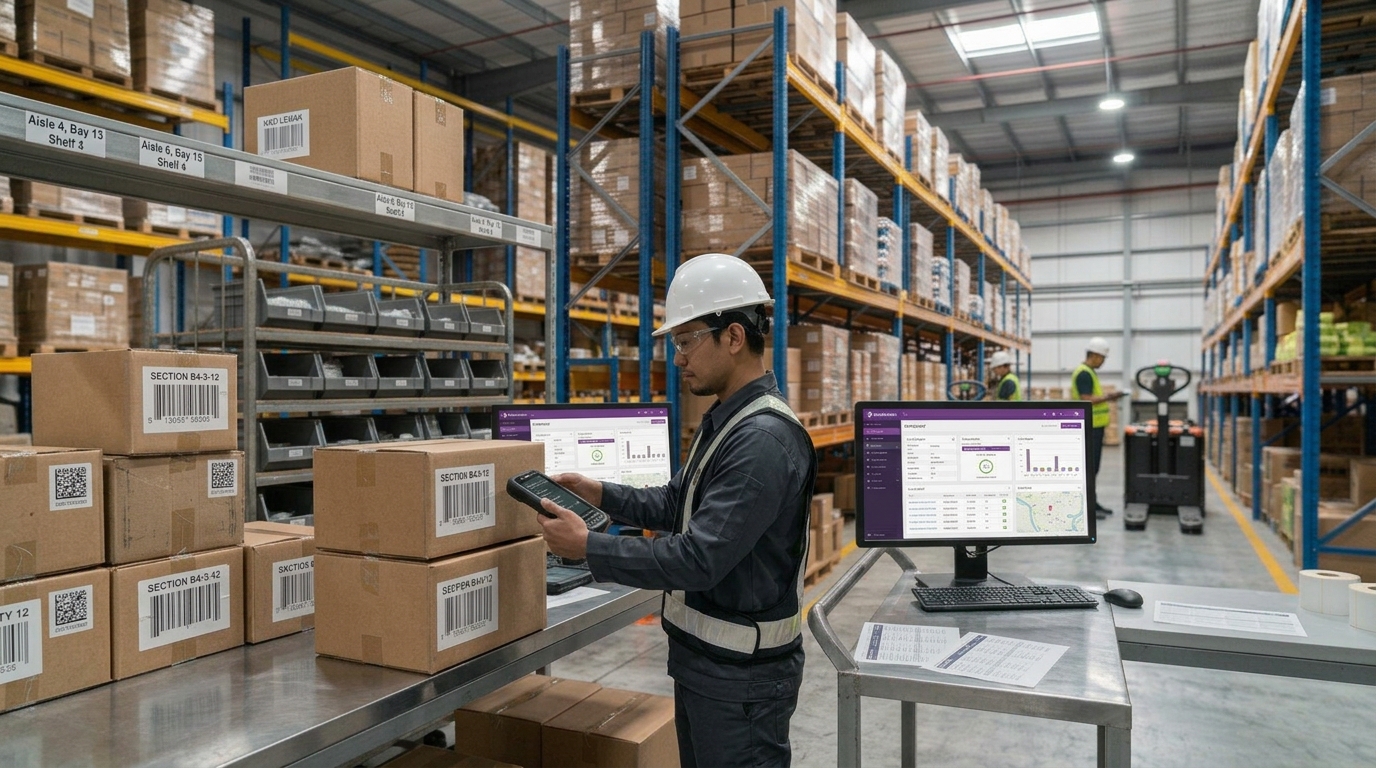
Before investing in new technology, businesses should assess the processes and infrastructure that will support real-time inventory information.
🏷️ Requirement 1: Reliable Product and Location Identification
Inventory data is only useful when the business can identify the correct product and, where required, its storage location.
Barcodes can help standardise identification across receiving, put-away, picking, stock counting and dispatch.
For example, a warehouse may use barcodes to identify:
- Individual products and product variants.
- Cartons and pallets.
- Storage racks, shelves and bins.
- Internal movement documents.
- Orders and shipping labels.
The identification method should suit the type of inventory, labelling environment and operational workflow.
Where barcodes are used, businesses should also establish consistent labelling practices and ensure that staff can capture the relevant codes reliably.
📲 Requirement 2: Suitable Barcode Scanners or Mobile Computers
Employees need a practical way to capture inventory information at the point where work takes place.
Depending on the task, this may involve handheld barcode scanners, mobile computers or other suitable data-capture devices.
A dedicated barcode scanner may suit specific scanning stations or repetitive scanning tasks. A mobile computer can be useful when staff need to scan products, access work instructions and submit transactions while moving around the warehouse.
When evaluating devices, consider:
- Barcode types and scanning distances required.
- Scanning performance in the actual working environment.
- Battery life and expected shift duration.
- Connectivity and compatibility with business applications.
- Device durability for the warehouse environment.
- Ease of use and employee training requirements.
The best device is not necessarily the one with the most features. It is the one that supports the required workflow reliably.
💻 Requirement 3: An Inventory System That Can Process Transactions
Scanning a barcode does not, by itself, guarantee that inventory records will be updated correctly.
The captured information must be processed by an appropriate application or inventory system.
For example, a receiving transaction may need to record the product, quantity, warehouse location, purchase order and receiving status.
The system must also apply the relevant business rules, such as whether stock requires inspection before it becomes available for picking.
A Warehouse Management System (WMS) can help coordinate warehouse activities and manage inventory transactions according to the configured workflow.
Before implementation, businesses should confirm which transactions the system supports, how information is updated and whether existing applications need to be integrated.
📶 Requirement 4: Reliable Connectivity and Integration
Mobile devices need an appropriate connection to the applications and systems used in warehouse operations.
Businesses should assess Wi-Fi coverage, network reliability, application availability and how transactions behave when connectivity is interrupted.
They should also examine integration with relevant systems, such as Enterprise Resource Planning (ERP), order management, purchasing and production applications.
Integration requirements vary by business. Not every warehouse needs every system, but the systems that share inventory information must have clearly defined responsibilities.
👷 Requirement 5: Standardised Warehouse Processes
Technology cannot compensate for every process problem.
If employees use different methods to record stock movements, skip required scans or move inventory without recording the transaction, the system may still become inaccurate.
Before going live, establish standard procedures for:
- Receiving and checking incoming goods.
- Assigning and recording storage locations.
- Moving stock between locations.
- Picking and confirming products.
- Handling returns, damaged goods and stock adjustments.
- Performing cycle counts and investigating discrepancies.
A real-time inventory workflow is most effective when employees consistently capture transactions at the correct point in the process.
🔄 4. How Real-Time Inventory Information Supports Better Decisions
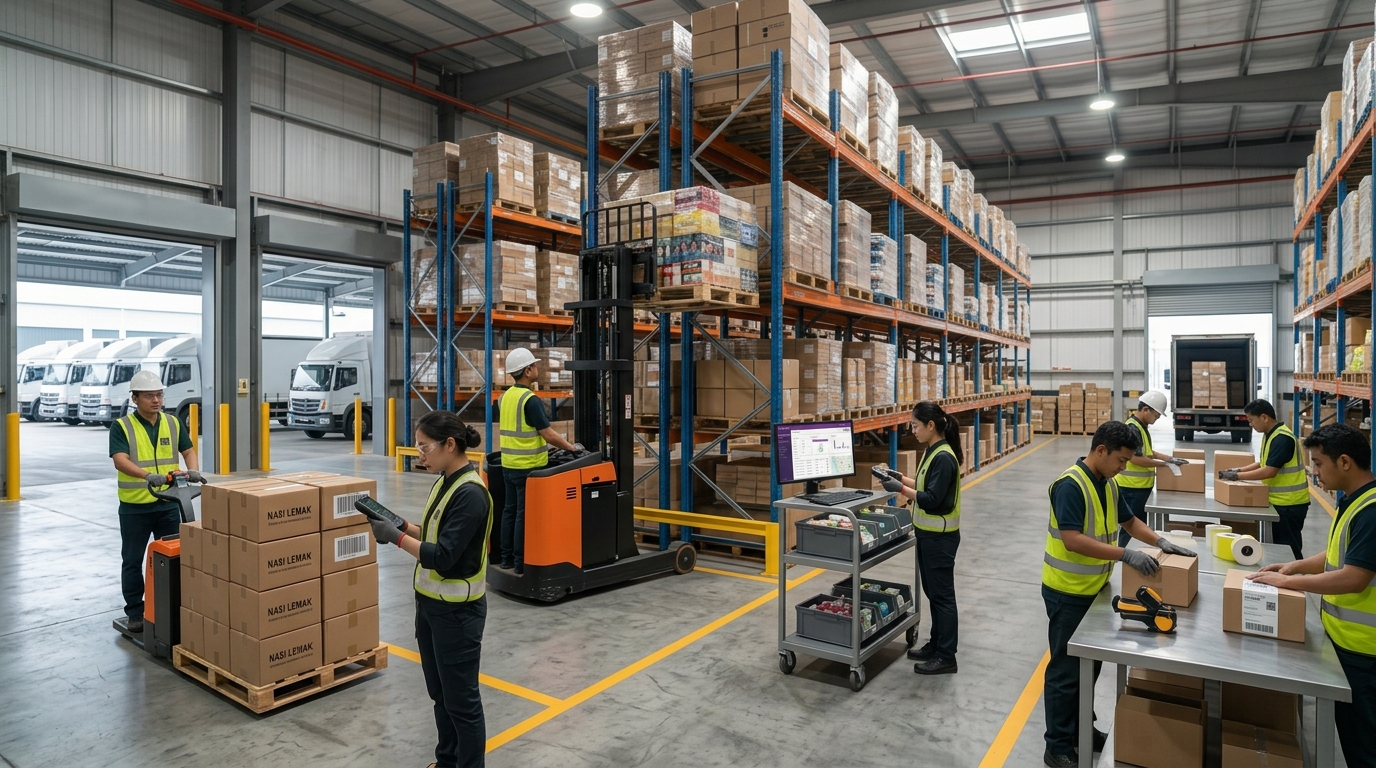
Once inventory transactions are captured and processed consistently, the information can help teams respond more quickly to operational changes.
Here are five examples.
📥 Receiving: Confirm What Has Actually Arrived
When goods arrive, staff can capture the relevant product and quantity information during receiving.
This helps the business compare physical deliveries with expected quantities and identify discrepancies for investigation.
The receiving process should also distinguish between stock that is received and stock that is available for use. For example, items awaiting quality inspection may require a different status from released inventory.
📍 Put-Away: Record Where Stock Is Stored
Recording the correct storage location helps warehouse teams find products without relying entirely on memory or manual searches.
When location changes are captured through the configured workflow, the inventory system can provide a more useful view of where stock is expected to be stored.
This depends on employees recording movements correctly and the system supporting location-level tracking.
🛒 Picking: Check Stock Before Completing an Order
Warehouse staff can use mobile data capture to identify products and confirm picking transactions against the relevant order.
This helps reduce dependence on handwritten lists and manual product-code entry.
If a product is unavailable or a discrepancy is identified, the issue can be investigated before the order progresses further.
🔢 Cycle Counting: Investigate Discrepancies More Frequently
Cycle counting allows businesses to verify selected inventory at planned intervals rather than relying exclusively on a large periodic stocktake.
By comparing physical counts with system records, the warehouse can identify discrepancies and investigate possible causes.
More frequent verification can support better inventory control, although the counting schedule should reflect the business's inventory risks, operational requirements and audit obligations.
🚚 Dispatch: Confirm What Leaves the Warehouse
Capturing the relevant picking, packing and dispatch transactions helps maintain a clearer record of order fulfilment.
When these steps are connected to the inventory system, teams can better understand which orders have progressed and which still require attention.
The objective is to make each warehouse transaction contribute to a more current and reliable inventory picture.
🚨 5. Real-Time Data Is Only Useful When It Is Trustworthy

A warehouse can have modern devices and inventory software and still struggle with stock discrepancies.Real-time processing cannot automatically correct incorrect product identification, unrecorded movements or inaccurate opening balances.Before relying on inventory information for important decisions, businesses should address the following risks.⚠️ Incorrect or Missing Barcode LabelsUnreadable, damaged or incorrectly printed labels can interrupt data capture and increase the likelihood of manual workarounds.Establish a process for checking label quality and replacing damaged labels. Ensure that the barcode corresponds to the correct product or handling unit.⚠️ Transactions Recorded Against the Wrong LocationScanning the correct product into the wrong location can create a discrepancy even if the scan itself succeeds.Where location control is important, the workflow should require employees to identify or confirm the relevant location during put-away and movement transactions.⚠️ Inventory Movements Not RecordedIf stock is moved physically without a corresponding system transaction, the inventory record may no longer reflect the actual warehouse.Clear procedures, employee training and suitable transaction controls help reduce this risk.⚠️ Duplicate or Incomplete TransactionsRepeated scans, interrupted submissions or incomplete workflows can affect inventory records if the application does not handle these situations appropriately.Businesses should test transaction behaviour, error handling and exception procedures before deployment.⚠️ Poor Integration Between SystemsIf warehouse transactions do not flow correctly between the WMS, ERP or other connected applications, different departments may work from inconsistent inventory information.Integration testing should cover normal transactions as well as exceptions, such as cancelled orders, stock adjustments and failed submissions.Real-time visibility is not simply about displaying the latest number. It is about maintaining confidence in how that number was captured, processed and updated.📡 6. Barcode Scanning or RFID: Which Is More Suitable?.jpg)
Barcode scanning and Radio Frequency Identification (RFID) can both support inventory visibility, but they work differently.Choosing between them should start with the warehouse's operational requirements rather than the assumption that one technology is always better.🏷️ Barcode ScanningBarcode scanning generally requires a scanner to read a barcode presented within its supported scanning range.It is a practical option for many warehouses that need to identify products, record movements, confirm picking and verify stock quantities.Potential advantages include:- Direct identification of labelled products.
- Controlled scanning at specific transaction points.
- Support for receiving, picking, stock counting and dispatch.
- Integration with compatible warehouse applications.
- Flexibility across different scanning devices and workflows.
Barcode scanning is often a suitable starting point when a business needs to improve transaction discipline and reduce manual data entry.📡 RFIDRFID uses radio-frequency technology to identify compatible tagged items within a reader's detection range.Depending on the tags, readers, environment and solution design, RFID can identify multiple tagged items without requiring each barcode to be individually presented to a scanner.Potential applications include:- Inventory verification involving large quantities of tagged items.
- Tracking tagged assets or handling units.
- Monitoring inventory movement through defined areas.
- Supporting faster inventory checks in suitable environments.
RFID requires appropriate tags, readers, software and integration. Performance depends on factors such as tag placement, materials, reader configuration and the warehouse environment.It is not necessary to replace every barcode process with RFID. Some businesses may benefit from barcode scanning across most workflows while using RFID for specific high-volume or visibility-critical applications.Zebra offers barcode data-capture and RFID technologies that can support different warehouse requirements. The appropriate choice depends on the inventory, process, environment and desired level of visibility.🦓 7. How Zebra Technologies Can Support Real-Time Inventory Workflows.jpg)
Zebra provides technologies used in warehouse data capture, including barcode scanners, mobile computers and RFID solutions.These technologies can help businesses capture inventory information at different points in their operations. Their effectiveness depends on selecting suitable devices and connecting them to the appropriate applications and processes.📲 Zebra Barcode ScannersZebra barcode scanners can support product identification and transaction capture in workflows such as receiving, picking, packing and inventory verification.When paired with compatible applications, scanning can reduce reliance on manual product-code entry and help standardise how inventory transactions are captured.Device selection should consider barcode types, scanning conditions, required range and the working environment.📱 Zebra Mobile ComputersMobile computers combine data-capture capabilities with access to applications on a mobile device.In a warehouse workflow, employees may use a compatible mobile computer to scan a product, confirm a location, view task information and submit a transaction through the relevant application.This can be particularly useful when employees need to move between storage locations rather than return to a fixed workstation for every update.Compatibility with the WMS or other business applications must be confirmed before implementation.🔗 Connecting Data Capture With Warehouse SoftwareThe wider objective is to connect physical warehouse activities with the system that manages inventory records and tasks.A typical workflow may look like this:Product or Location → Zebra Data-Capture Device → Warehouse Application → Inventory Transaction → Updated Inventory Information → Operational DecisionFor example, a worker receives a delivery and scans the relevant barcode using a compatible device. The application processes the receiving transaction and updates the inventory record according to its configuration.An authorised user can then use the updated information to support the next operational decision.The precise workflow depends on the hardware, application, integration and business rules used in the deployment.🇲🇾 8. What Malaysian Warehouses Should Assess Before Investing
For Malaysian manufacturers, distributors, logistics providers and e-commerce businesses, moving towards real-time inventory decision-making should begin with a clear understanding of current operational challenges.Before choosing a solution, consider these questions.1. How often is inventory information updated?Identify which transactions are recorded immediately and which are delayed until the end of a shift, day or stock-count period.2. Where do inventory discrepancies occur most frequently?Review receiving, put-away, internal movements, picking, returns and dispatch to understand where recorded inventory starts to differ from physical stock.3. Which decisions depend on current inventory information?Examples include order acceptance, replenishment, production material availability, picking priorities and stock allocation.4. What devices are employees currently using?Determine whether existing scanners and mobile devices meet the operational requirements and work with the intended applications.5. Can the current software support the required workflow?Confirm whether the existing inventory system or WMS supports the transactions, location control, reporting and integration the business needs.6. What level of visibility is actually required?Some operations may need reliable barcode transactions and frequent cycle counts. Others may require RFID-based identification or additional tracking capabilities for specific inventory categories.7. How will success be measured?Establish a baseline and select measurable indicators, such as:- Inventory record accuracy.
- Time required to complete receiving transactions.
- Picking error rate.
- Time spent investigating stock discrepancies.
- Frequency of inventory adjustments.
- Percentage of warehouse transactions captured through the intended workflow.
These measurements help the business assess whether the new process is improving operations rather than simply introducing new technology.🚀Move From Inventory Updates to Inventory Confidence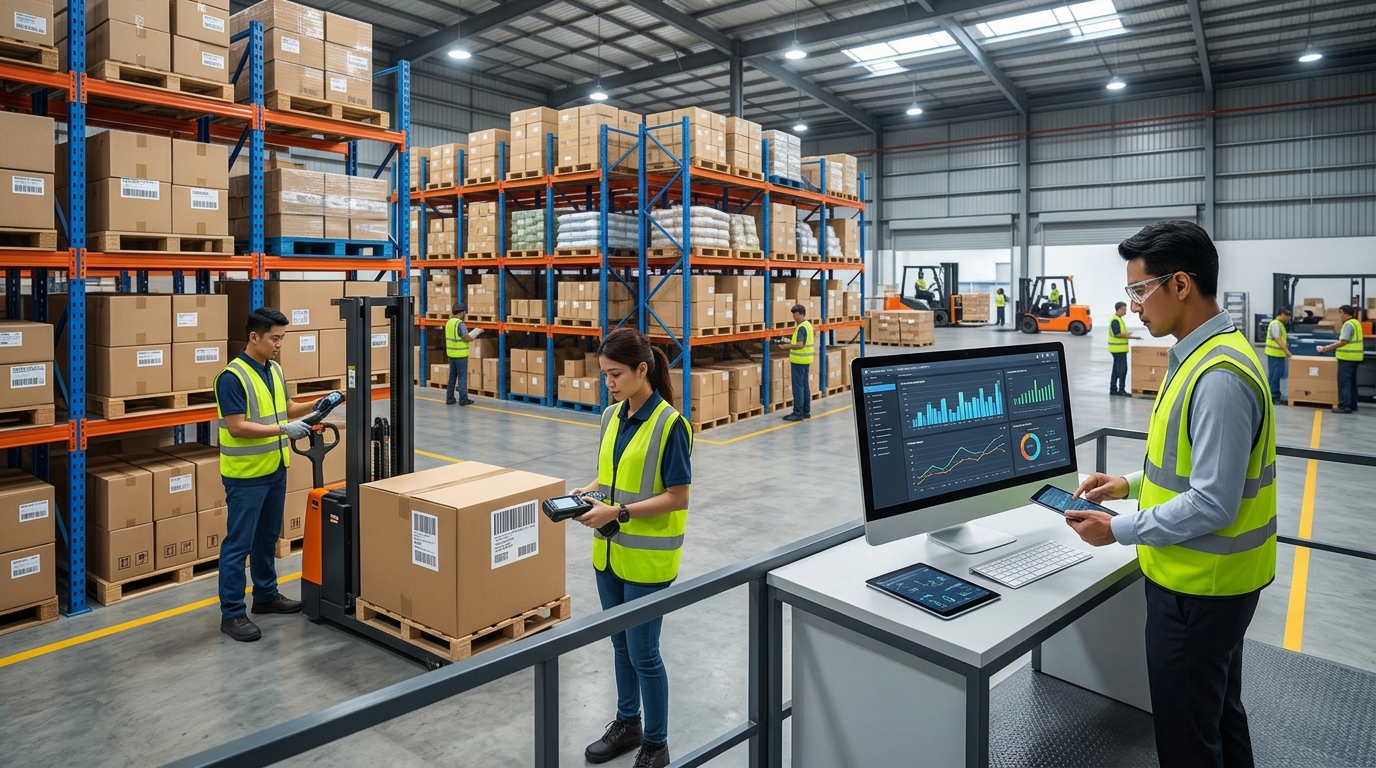
A warehouse does not become real-time simply because employees have barcode scanners or managers can access a digital dashboard.Reliable real-time inventory decision-making requires accurate identification, consistent transaction capture, suitable devices, connected applications and well-defined warehouse processes.For Malaysian businesses looking to improve inventory visibility, the first step is to identify where delays and discrepancies occur today. From there, they can determine whether barcode scanning, mobile computing, RFID or a combination of technologies is the most appropriate approach.Zebra technologies can support different parts of this journey, from scanning individual products to capturing inventory information through mobile workflows and RFID applications.When these technologies are aligned with the right warehouse software and operational processes, businesses can work towards more timely inventory information, more informed decisions and better control over daily warehouse activities.Is your warehouse ready to make inventory decisions based on what is happening now—not just what was recorded earlier?ALC-TECH helps Malaysian businesses explore Auto-ID and warehouse digitalization solutions based on their operational needs.Contact our team to discuss your warehouse workflows and inventory visibility requirements.ALC-TECH (M) Sdn BhdWhatsApp: 03-6280 1650Email: sales@alcaidc.comWebsite: www.alcaidc.comFrequently Asked Questions:1. What is real-time inventory management?Real-time inventory management involves capturing and processing inventory transactions as they occur, allowing authorised users to access more current information about stock quantities, locations and movements. The actual update speed depends on the devices, software, connectivity and system configuration.2. What is the difference between periodic inventory updates and real-time inventory updates?Periodic updates occur at scheduled intervals or after transactions have been recorded in batches. Real-time or near-real-time workflows aim to capture and process transactions as warehouse activities occur, reducing the delay between physical movements and digital records.3. Do I need a Warehouse Management System to achieve real-time inventory visibility?Not necessarily in every situation, but the business needs a suitable application or inventory system to process transactions and maintain records. A WMS can help coordinate warehouse workflows, locations, picking, replenishment and inventory movements. The right system depends on operational complexity and business requirements.4. How do barcode scanners help improve inventory accuracy?Barcode scanners help employees capture product identifiers consistently instead of manually entering product codes. When used within a correctly configured application and standardised workflow, scanning can reduce certain data-entry errors and support more reliable inventory transactions.5. Is RFID better than barcode scanning for real-time inventory tracking?Neither technology is universally better. Barcode scanning is suitable for many individual-item identification and transaction workflows. RFID can be useful when businesses need to identify multiple tagged items or monitor inventory movement through configured areas. The choice depends on the inventory, environment, workflow and visibility requirements.6. Can Zebra devices connect to a Warehouse Management System?Zebra barcode scanners and mobile computers can be used with compatible warehouse applications. Before implementation, businesses should confirm device, operating system, application and integration compatibility with their selected WMS.7. Can real-time inventory management eliminate stock discrepancies?No. It can help businesses capture movements more consistently and identify discrepancies sooner, but it cannot automatically prevent every error. Accurate labels, correct transactions, standardised processes, system controls and inventory verification remain important.8. How can a Malaysian warehouse start moving towards real-time inventory decisions?Start by reviewing inventory update delays, stock discrepancies and the transactions that most affect daily decisions. Assess existing devices, software, connectivity and warehouse procedures. Then prioritise a suitable workflow, test it in a controlled area and measure the results before expanding.Explore More:Zebra Devices: https://www.alcaidc.com/Public/ProductGroupBrand.aspx?ItemGroup=1004&Brand=ZEBRAAGen Warehouse Management System (WMS): https://www.alcaidc.com/public/Solution/AGenWMS.aspxALC-TECH Company and Solutions Brochure: https://www.alcaidc.com/Public/Brochure/BrochureSolution.aspx
By:
kavi
| Date:
29 Oct2026
|