|
Discover how Malaysian hotels, restaurants, bakeries and food retailers can improve food display labels with better readability, consistent presentation and the right food label printing solution.
.png) Food Label Printer Malaysia: 7 Food Label Design Mistakes to Avoid
Food Label Printer Malaysia: 7 Food Label Design Mistakes to Avoid
🍽️ Introduction
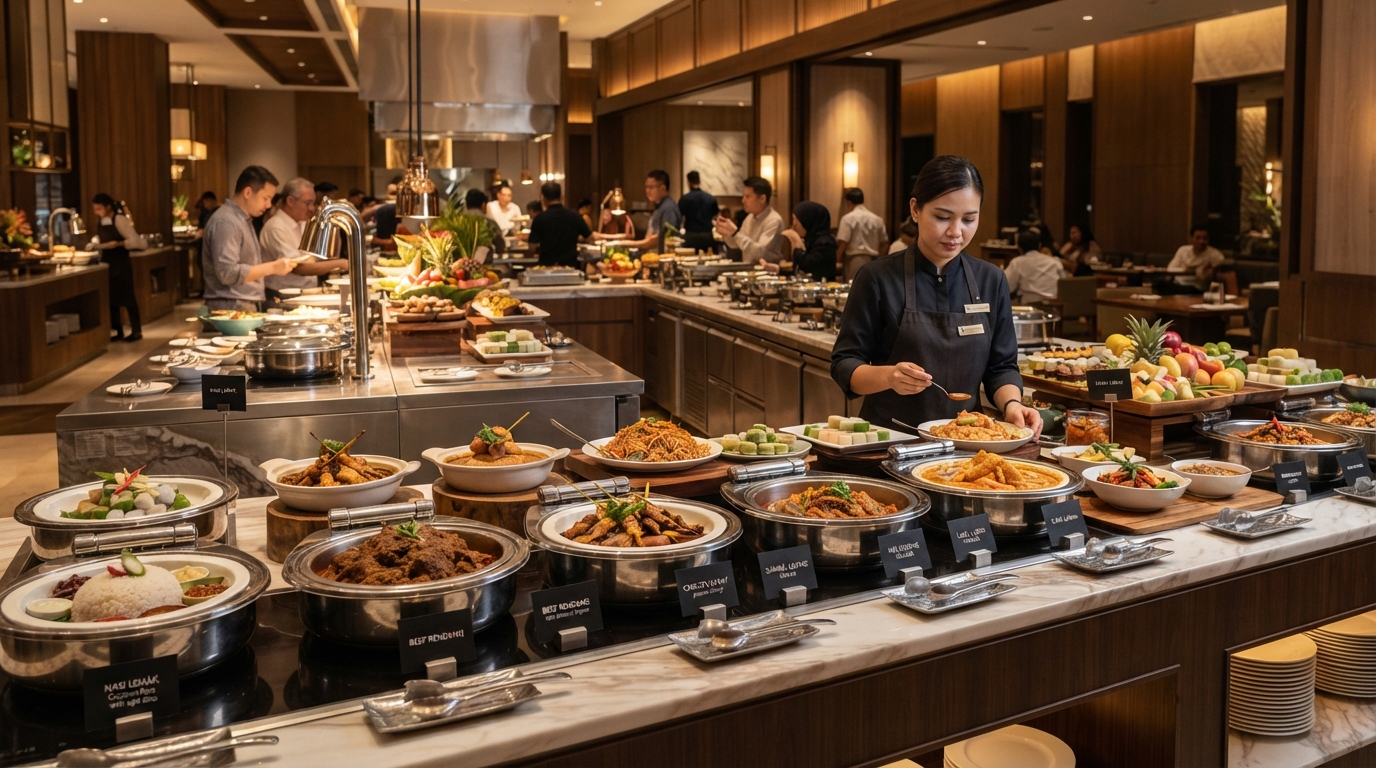
When customers browse a bakery counter, select products from a supermarket deli or choose dishes at a hotel buffet, food labels help them understand what is being offered. Although a label may seem like a small detail, its design can influence how easily customers identify products, compare options and find relevant information.
For Malaysian food businesses, labels may need to accommodate different product names, prices, descriptions, ingredients, allergen information and multiple languages, depending on the application. When information is difficult to read or the presentation is inconsistent, customers may need to ask staff for clarification instead of finding the information at a glance.
This is why choosing the right food label printer in Malaysia is only one part of the process. Businesses also need to consider how labels are designed, what information they display, where they are positioned and how frequently they need to be updated.
Solutions such as Edikio food label printers allow businesses to create and print professional food display labels in-house, depending on the model and configuration. Combined with thoughtful label design, they can help create a more organised and consistent presentation across buffets, bakeries, retail counters and other food service environments.
In this article, we explore seven common food label design mistakes, why they matter and how food businesses can avoid them.
🔎 1. Using Text That Is Too Small or Difficult to Read
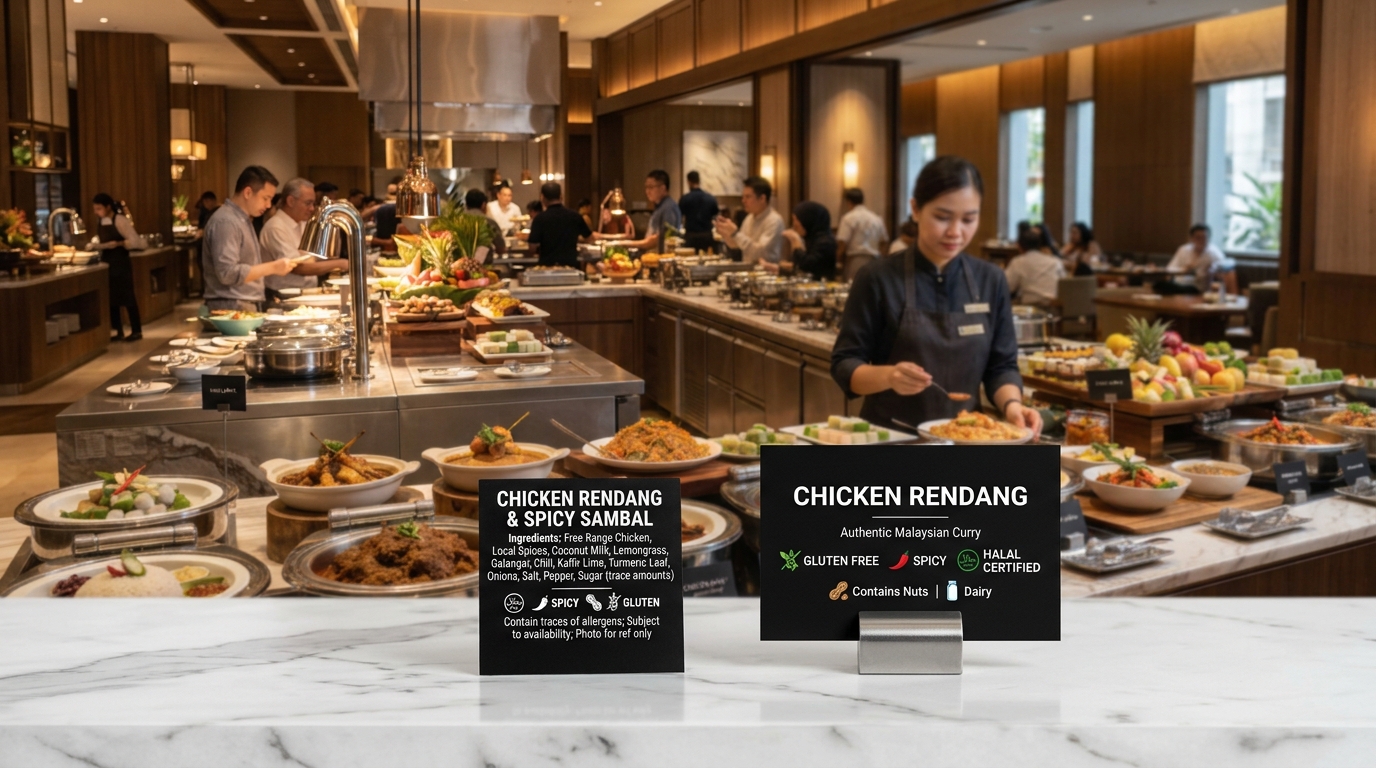
One of the most common food labelling mistakes is trying to fit too much information into a small space. When product names, descriptions, prices and other details are squeezed together, the label becomes harder to scan.
This is particularly noticeable in buffet areas, bakery displays and chilled food counters, where customers may be standing some distance away from the label or viewing it at an angle.
How to improve readability
Start by deciding which information customers need to identify first. The product or dish name should generally be the most prominent element. Supporting details can appear below it in a smaller but still readable size.
Consider these practical improvements:
- Use a clear font: Choose a typeface that remains readable at the intended printed size.
- Create a visible hierarchy: Make the product name more prominent than supporting information.
- Avoid unnecessary text: Keep descriptions concise and relevant to customers.
- Allow enough spacing: Give letters and lines sufficient room instead of filling every available area.
- Check the printed result: A design that looks clear on a computer screen may be difficult to read when displayed in an actual food service environment.
If a label needs to display longer dish names, translations or additional information, a larger label format may be more suitable than forcing everything into a standard-size card.
The objective is simple: customers should be able to identify the item without having to struggle with the label.
🎨 2. Choosing Colours With Poor Contrast
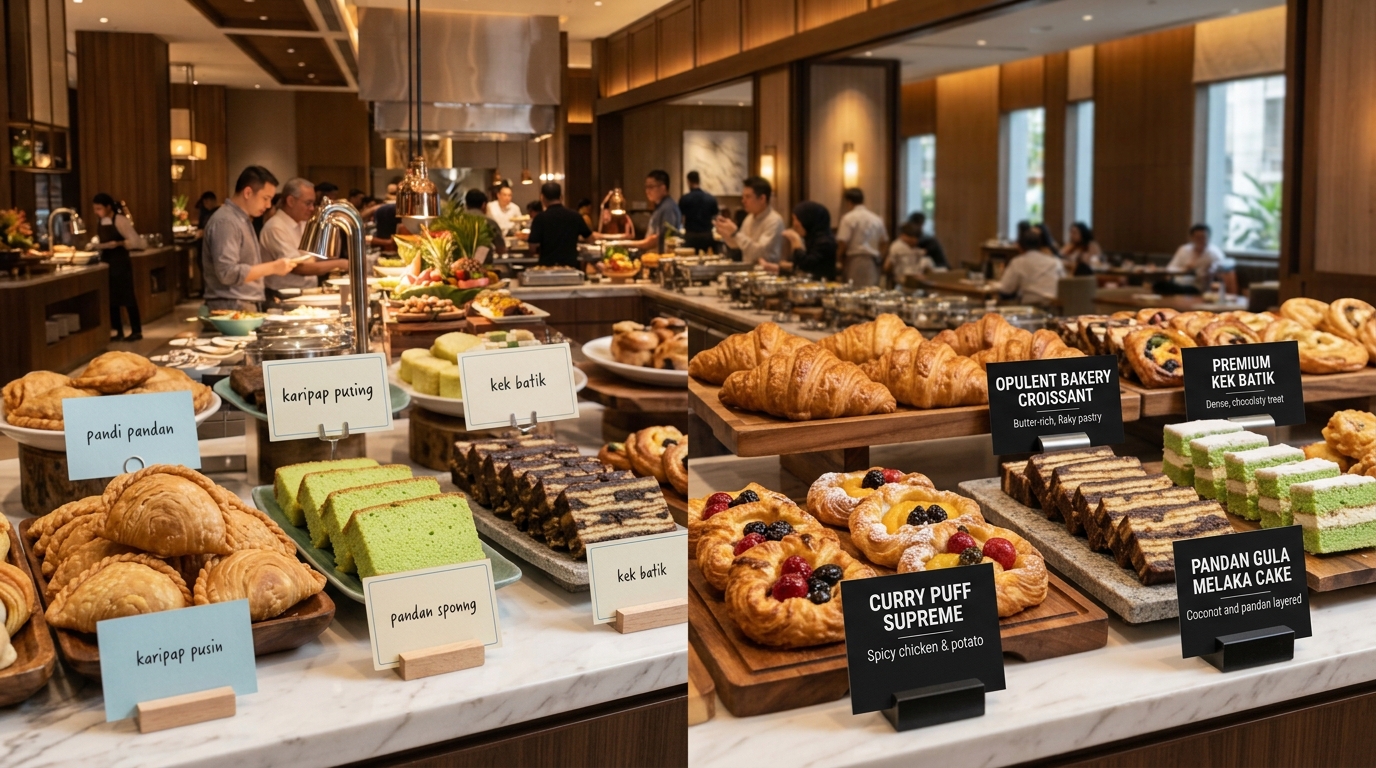
Colour can make a food display more attractive, but decorative choices should never come at the expense of readability.
For example, pale grey text on a white background, dark text on a dark-coloured card or several competing colours can make essential information difficult to distinguish. This problem can become more noticeable under warm restaurant lighting, buffet lamps or reflections from display counters.
How to improve colour contrast
Use a simple colour combination that clearly separates the text from the background. Black text on a light background and white text on a dark background are familiar examples of high-contrast approaches.
For food display cards, a coordinated black-and-white design can also create a consistent appearance across different dishes.
Before printing a full set, test a sample in the actual display environment. Check the visibility of the text under the lighting used in the restaurant, hotel, bakery or retail outlet.
A professional food label printer can support a repeatable design approach, but the final result still depends on the chosen card, ribbon, layout and print configuration.
🏷️ 3. Using Inconsistent Label Designs Across the Display
Imagine a hotel breakfast buffet where every dish has a different label style. Some cards use large headings, others have handwritten descriptions, and several display different font sizes or card shapes.
Although each label may contain useful information, the overall display can look disorganised. Inconsistent labels can also make it harder for staff to prepare replacements when dishes change or new items are introduced.
How to create a consistent appearance
Develop a standard label template for each type of display. Keep key elements consistent, including:
- Font style and heading size
- Text alignment and spacing
- Placement of the product or dish name
- Colour scheme and visual identity
- Positioning of supporting information
- Card dimensions, where practical
A standard template does not mean every label must contain exactly the same information. A buffet dish, bakery product and supermarket price tag may have different requirements. The goal is to maintain a consistent visual structure within each relevant display.
For hotels and restaurants, a coordinated set of buffet labels can complement the establishment's wider presentation. For food retailers, consistent product labels can help maintain a more organised appearance across display counters.
📋 4. Leaving Out Important Product Information
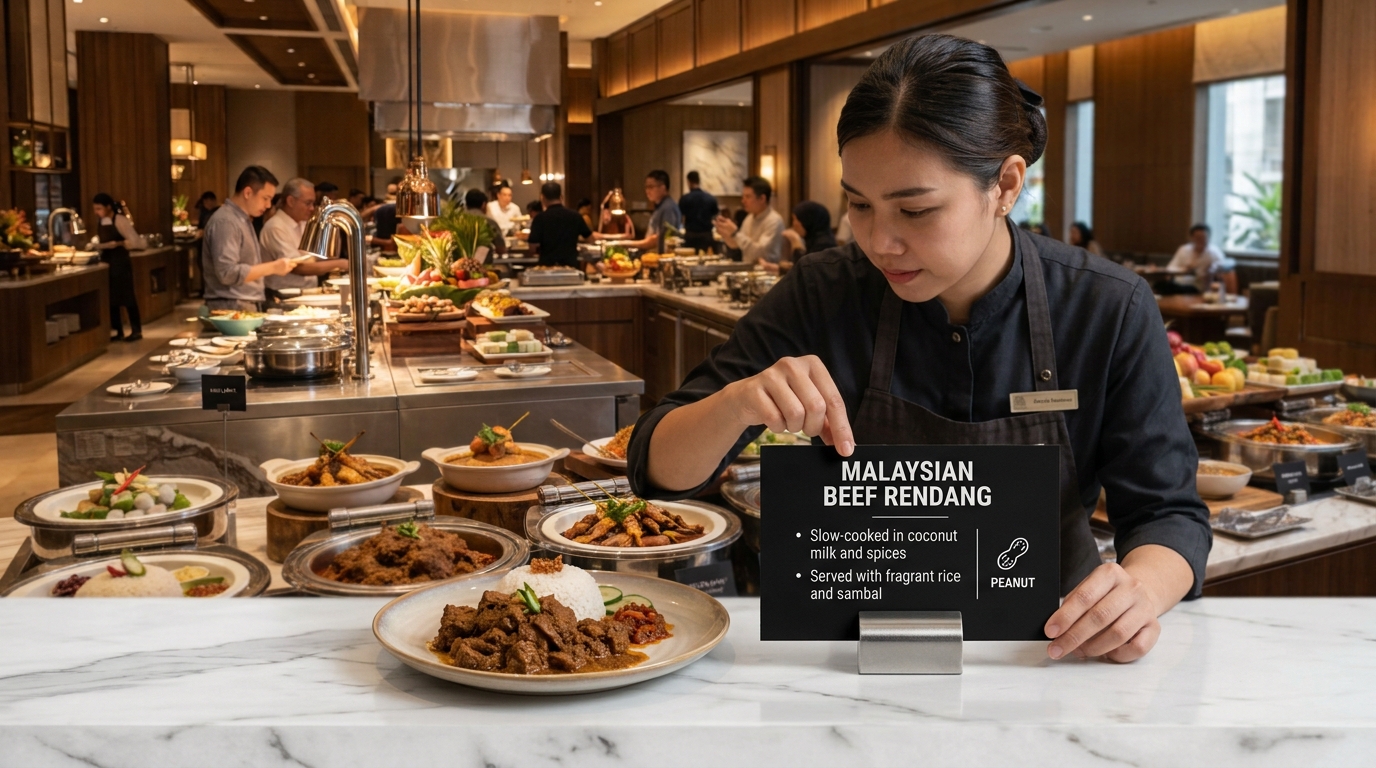
A label that looks attractive may still be unhelpful if customers cannot find the information they need.
Depending on the food product and display context, useful information may include the product or dish name, price, a short description, ingredients, origin or allergen information. Not every detail is required on every display card; applicable requirements depend on the product, how it is sold and the relevant regulations.
For example, a customer viewing a buffet may want to identify a dish or check allergen information. A customer buying food from a retail counter may need to see the product name and price clearly.
How to make labels more informative
Before designing a label, list the information relevant to that specific application. Then prioritise it based on customer needs and applicable requirements.
- Product or dish name: Helps customers identify the item.
- Price: Useful where products are sold individually or by weight and price information is relevant.
- Short description: Helps distinguish similar products or explain an unfamiliar dish.
- Ingredient or allergen information: Include accurate information where appropriate and ensure it meets applicable requirements.
- Language: Consider whether one or more languages would help the intended customers understand the information.
Do not rely on decorative symbols alone to communicate critical details. If allergen or ingredient information is displayed, it must be accurate and maintained when recipes or suppliers change. A printed card does not, by itself, guarantee that a dish is suitable for a particular dietary requirement.
✍️ 5. Using Handwritten Labels Without a Consistent System
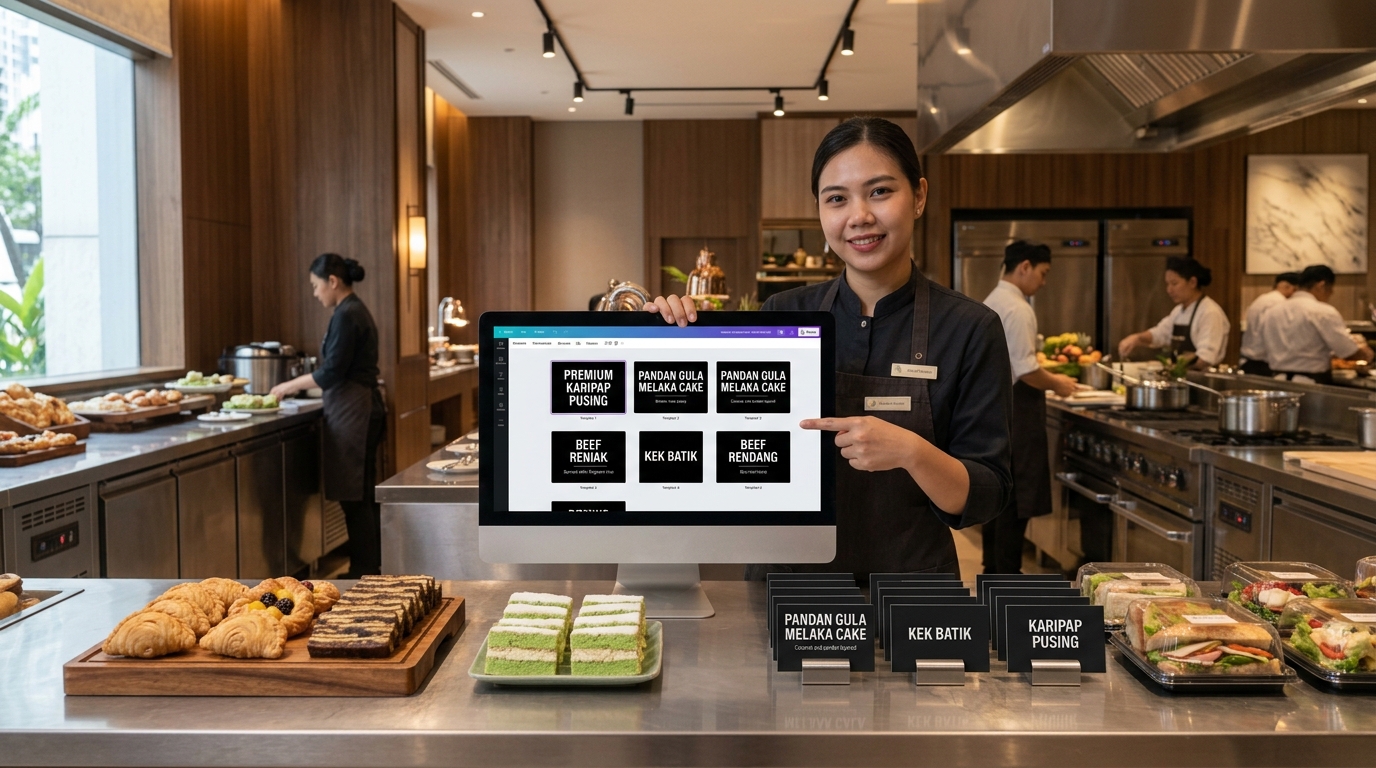
Handwritten labels can be practical for temporary or occasional use. However, when a business manages a large number of products or changes its menu regularly, handwriting can create inconsistencies in appearance and legibility.
Different staff members may write the same product name differently. Replacement labels may not match the original display, and changing prices or descriptions can require repeated manual preparation.
When should a business consider a food label printer?
An in-house food label printing solution may be worth considering when a business:
- Updates food displays or menus frequently.
- Needs a consistent look across many products.
- Manages several counters, branches or buffet stations.
- Wants to prepare replacement labels on demand.
- Needs a repeatable way to format product names and supporting information.
A dedicated food label printer can help staff create labels from prepared templates rather than starting from scratch each time. The actual time and cost savings depend on printing volume, labour requirements, consumables and the workflow being replaced.
The aim is not to suggest that handwritten labels are always unsuitable. It is to identify when a more structured printing process could better support the business.
📏 6. Selecting the Wrong Label Size or Material for the Display
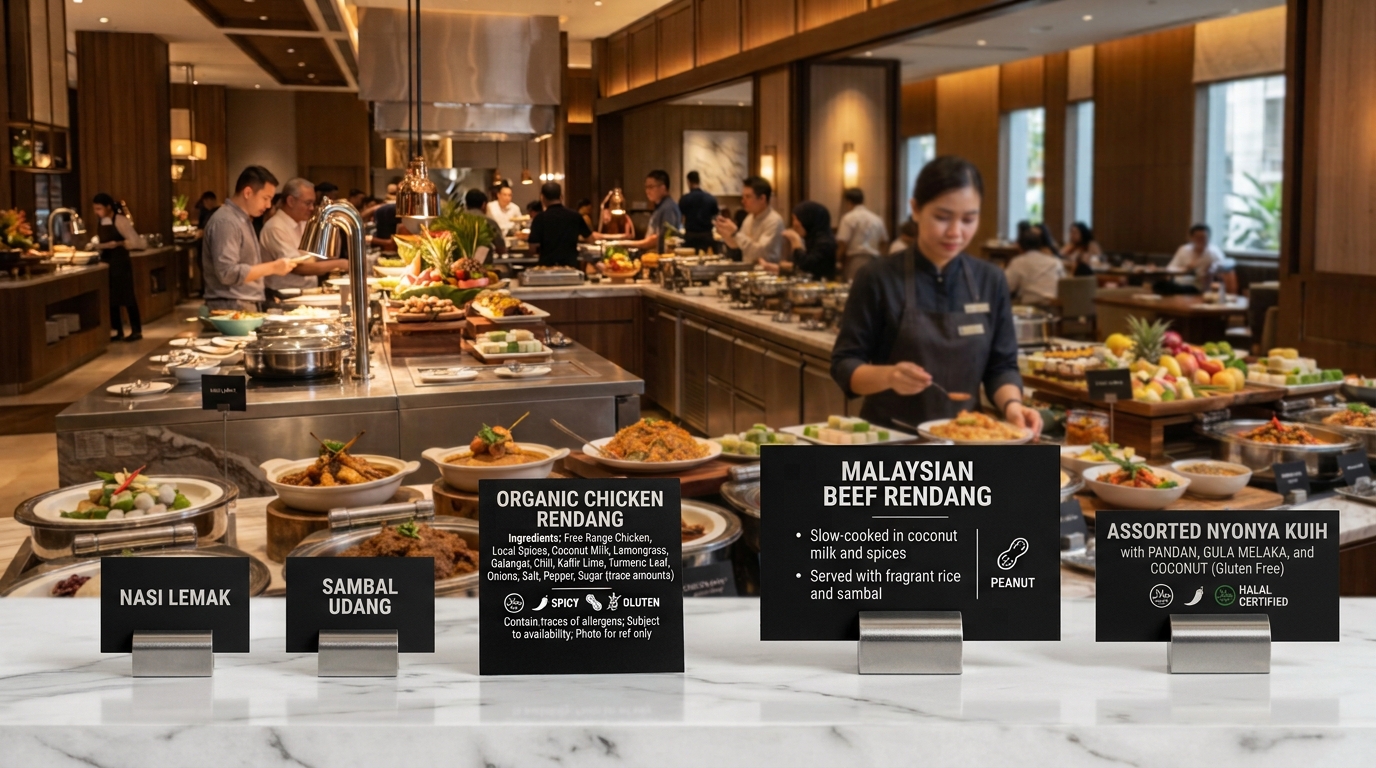
A label can contain the right information and use the right colours but still perform poorly if its size or material does not suit the environment.
A small card may not provide enough room for a long dish name or additional language. Conversely, a large card can occupy too much space on a compact bakery shelf. Labels used around chilled food displays may also need to withstand the conditions in which they are handled and cleaned.
How to select a suitable label format
Consider the display before choosing the printer and card format.
For hotel and restaurant buffets: A standard card may be suitable for short dish names, while a longer format can provide more room for descriptions, translations or other relevant details.
For bakeries and food retail counters: Labels should fit the shelf or display arrangement without obstructing the products. Where prices are displayed, make sure they are easy to associate with the correct item.
For chilled or humid environments: Check that the selected cards and consumables are appropriate for the intended use. Follow the manufacturer's guidance for cleaning, handling and food-contact suitability.
Edikio Guest solutions, for example, are designed for hospitality presentation labels. The Edikio Guest Flex model supports standard credit-card-sized and longer presentation-label formats. Edikio Price Tag solutions are designed for retail price and product labelling applications.
Choosing the right setup requires more than comparing printer prices. Businesses should consider label dimensions, the amount of information required, printing frequency and the conditions in which the labels will be used.
🔄 7. Failing to Update Labels When Products or Menus Change
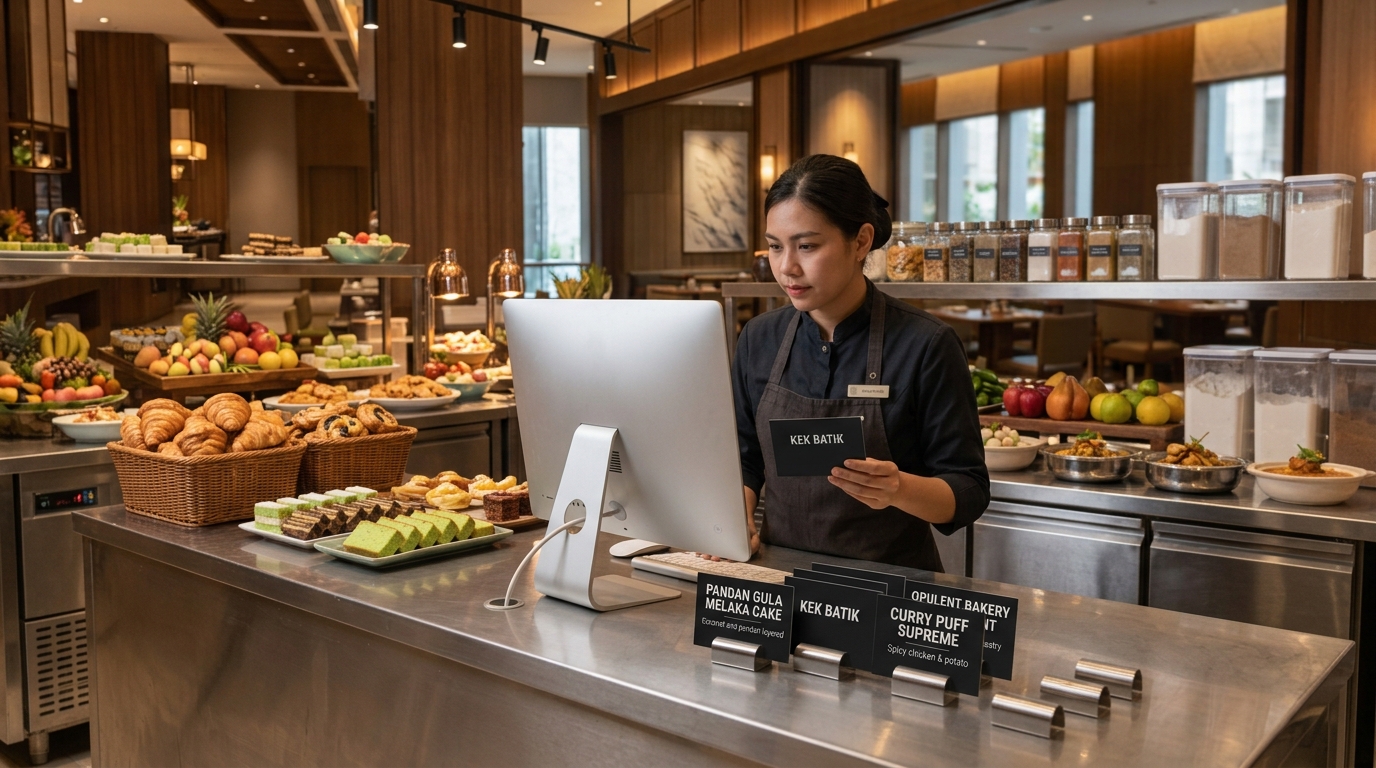
Food labels can become inaccurate when a business introduces new dishes, changes recipes, adjusts prices or replaces suppliers without updating the displayed information.
This is more than a design issue. Incorrect prices or outdated ingredient and allergen details can confuse customers and create operational risks.
How to maintain accurate labels
Establish a simple process for reviewing labels whenever product information changes.
- Assign responsibility: Decide who approves and updates food display information.
- Maintain a current product list: Keep product names, prices and other relevant details organised in a central file or approved record.
- Check before printing: Confirm that the information matches the current menu, product or recipe.
- Replace outdated cards promptly: Remove old labels when products change or are no longer available.
- Review displayed labels regularly: Make sure each card is positioned correctly and remains legible.
Selected Edikio software configurations support importing data from Excel, which can help businesses manage label information. The exact workflow and features available depend on the model and software edition.
The important point is to establish a reliable process. A professional printer can make label production more consistent, but the business remains responsible for ensuring that the information being printed is correct.
💡 How an Edikio Food Label Printer Can Support Better Food Displays
(1).png)
Avoiding these mistakes starts with good design decisions and a reliable process for producing and maintaining labels. For businesses that want to manage this process in-house, Edikio food label printing solutions provide an option for creating professional presentation labels and retail price tags.
Edikio offers different product ranges for different applications. Edikio Guest is intended for hospitality presentation labels, including buffet displays. Edikio Price Tag is designed for retail price and product labels, such as those used in bakeries, butcher shops, cheese counters and other food retail environments.
Depending on the model and configuration, businesses can benefit from:
- In-house label creation and printing: Prepare labels when needed instead of relying entirely on externally printed batches.
- Consistent templates: Use a standard design approach across relevant products or displays.
- Personalised presentation: Adapt layouts to suit the establishment's visual identity.
- Suitable card formats: Select supported formats based on the information and display requirements.
- A more organised workflow: Keep label production and updates within the business's own process.
For example, Edikio Guest Flex supports standard and long-format presentation cards. Its software includes customisable templates and supports Excel data import. These features can be useful for businesses managing multiple dishes, longer product names or multilingual buffet displays.
The right model depends on the number of labels required, the information to be displayed, card dimensions, printing frequency and the operating environment. Businesses should also confirm the suitability of the selected consumables for their intended application.
🇲🇾 Choosing a Food Label Printer in Malaysia: What Should You Consider?
For Malaysian hotels, restaurants, caterers, bakeries, supermarkets, delis and food retailers, the best solution is the one that fits the way the business operates.
Before choosing a food label printer, consider these questions.
1. What type of labels do you need?
Determine whether the main requirement is buffet dish identification, bakery product labelling, retail price tags or another display application.
2. How often do your labels change?
Businesses that frequently update menus, prices or product displays may benefit from having an in-house printing process.
3. How much information must fit on each card?
Consider whether standard-size or longer formats are appropriate for product names, translations and other relevant details.
4. Where will the labels be displayed?
Account for shelf space, viewing distance, lighting, moisture and cleaning requirements.
5. Who will create and maintain the labels?
Choose a workflow that staff can use consistently and that includes a process for verifying information before printing.
6. What support and consumables will you need?
Consider the availability of suitable cards, ribbons, accessories, technical support and after-sales assistance.
At ALC-TECH (M) SDN BHD, the objective is to help businesses identify a suitable labelling approach based on their operational needs—not simply to recommend a printer. As a technology solutions provider working with established principals, ALC-TECH can discuss the appropriate Edikio solution and configuration for the intended application.
🚀 Make Food Labels Clearer, More Consistent and Easier to Manage
Food labels are a small part of a food display, but their design affects how easily customers can identify products and access relevant information.
Small text, poor contrast, inconsistent layouts, missing details, unsuitable card formats and outdated information can all reduce the usefulness of a label. By improving readability, standardising templates and establishing a reliable update process, food businesses can create more organised and informative displays.
For businesses looking for a food label printer in Malaysia, Edikio offers dedicated solutions for hospitality presentation labels and retail price tags. The most suitable option depends on the display, information requirements and day-to-day workflow.
Looking for an Edikio food label printing solution for your hotel, restaurant, bakery or food retail business?
Contact ALC-TECH (M) SDN BHD to discuss your requirements and explore a suitable configuration.
WhatsApp: 03 6280 1650
Email: sales@alcaidc.com
Website: www.alcaidc.com
❓ Frequently Asked Questions (FAQ):
1. What is a food label printer?
A food label printer is a printing solution used to produce labels for identifying food products, displaying prices or presenting dish information. The suitable printer depends on whether the application requires product labels, retail price tags or presentation cards for hospitality displays.
2. Which food label printer is suitable for hotels and restaurants?
Hotels and restaurants that need buffet dish labels or food presentation cards can consider a hospitality-focused solution such as Edikio Guest. The appropriate model depends on the required card format, information and printing volume.
3. Can I print buffet labels in-house?
Yes. A suitable in-house printing solution allows staff to create and print buffet labels as required. This can be useful when menus change frequently or when a business wants to maintain a consistent design across its displays.
4. What should a good food display label include?
Depending on the application, it may include a product or dish name, price, short description, ingredients, allergen information or language translations. The information should be accurate, easy to read and appropriate to the product and applicable requirements.
5. Are printed food labels better than handwritten labels?
Printed labels can help businesses maintain consistent fonts, spacing and layouts, especially when managing many products or frequent changes. Handwritten labels may still be suitable for occasional or temporary use. The better approach depends on the business's workflow and display requirements.
6. Can Edikio print labels in different sizes?
Supported formats depend on the model. For example, Edikio Guest Flex supports standard credit-card-sized and longer presentation-label formats. Businesses should confirm the available dimensions and features of the specific model before choosing a solution.
7. Can food labels be used in chilled or humid environments?
The suitability depends on the card material, consumables and conditions of use. Check the manufacturer's guidance and confirm that the selected materials are appropriate for the intended environment and application.
8. Where can I find a food label printer in Malaysia?
Contact ALC-TECH (M) SDN BHD to discuss Edikio food label printing solutions for hospitality and food retail applications. The team can help you evaluate the suitable product range and configuration for your needs.
🔗 Explore More:
Edikio Card Printing Solutions
https://www.alcaidc.com/Public/ProductGroupDetail.aspx?model=EDIKIOFLEX&Brand=EVOLIS
ALC-TECH Food Reviewer Solutions
https://www.alcaidc.com/public/solution/hotel/FoodReviewerSolution/Software.aspx
Download ALC-TECH Company Brochure
https://www.alcaidc.com/Public/Brochure/BrochureSolution.aspx
By:
kavi
| Date:
21 Oct2026
|